iPhone & Apple Watch · Free
The Ultimate Bedtime Reminder App in 2026
Bedtime Reminder: Sleep Now is the free bedtime reminder for iPhone that helps you stop late-night scrolling and actually go to sleep. Set a reminder time and bedtime, then hold to commit when it's time — no account, history stays on your device.

Features
-
A nightly commitment window
Each night the app opens a short window between your reminder time and bedtime — a gentle nudge to wind down before another hour slips away.
-
Reminders until you commit
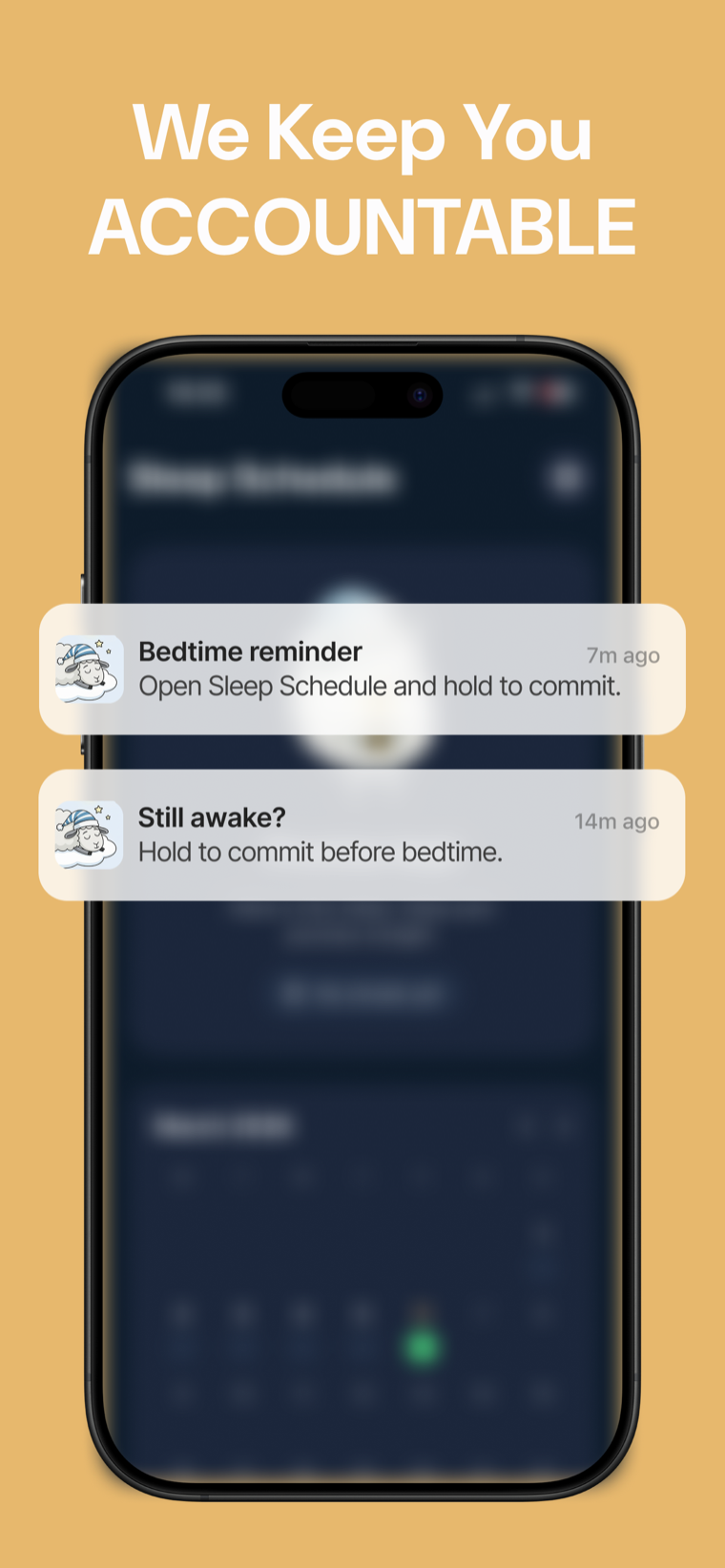
The first reminder arrives at your reminder time, then follow-ups every 5 minutes until bedtime, so the night doesn't quietly disappear.
-
Hold to commit
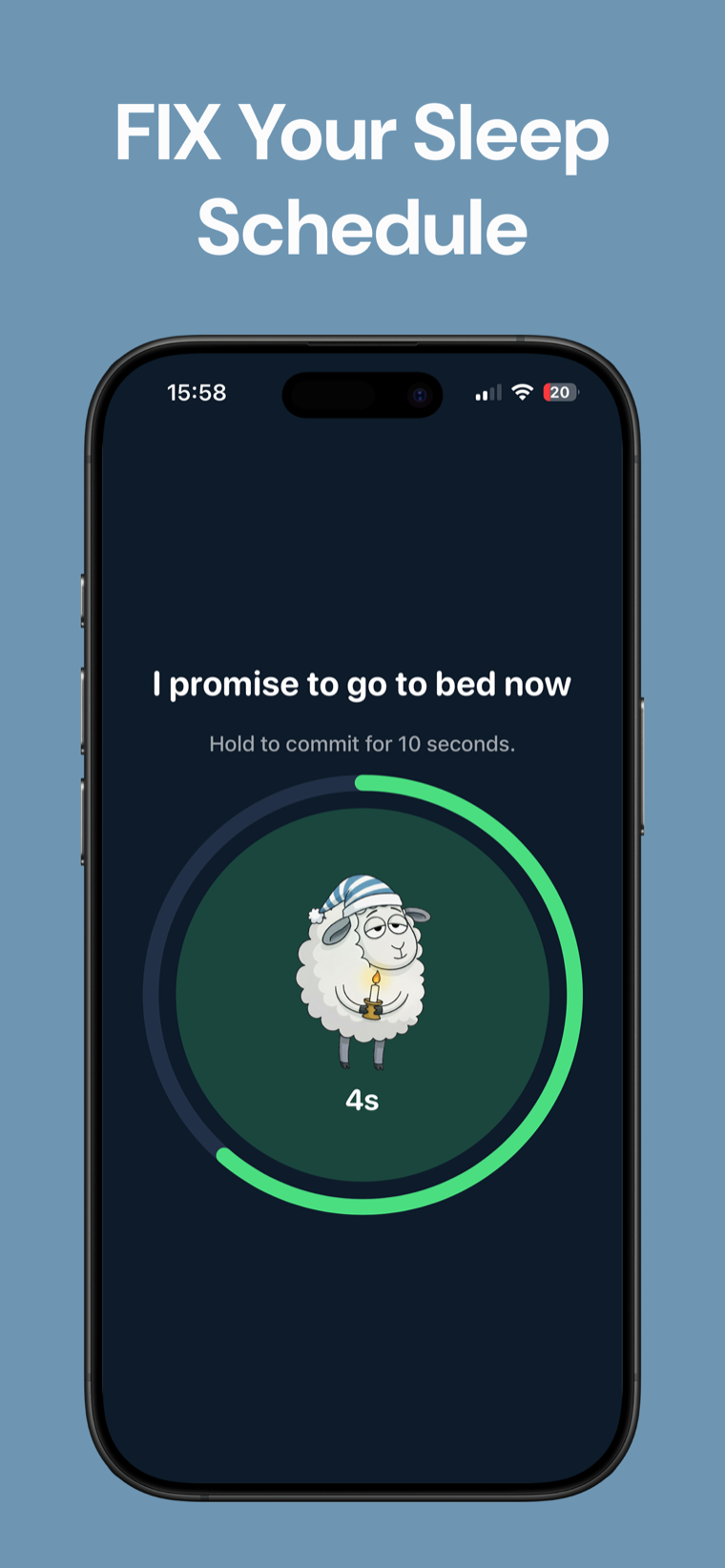
When a reminder lands, hold the button — "I promise to go to bed now" — to mark the night complete. That small action breaks the scroll.
-
Green / red calendar history
See every night at a glance: green when you kept your promise, red when you didn't. An honest picture of your sleep habit over time.
-
Streak tracking
Watch your streak of consistent nights grow. A simple count that makes going to bed on time feel worth protecting.
-
Your history, on your device
Sleep history is stored on your device. No account to create, just you and the nudge to put the phone away.
Screenshots
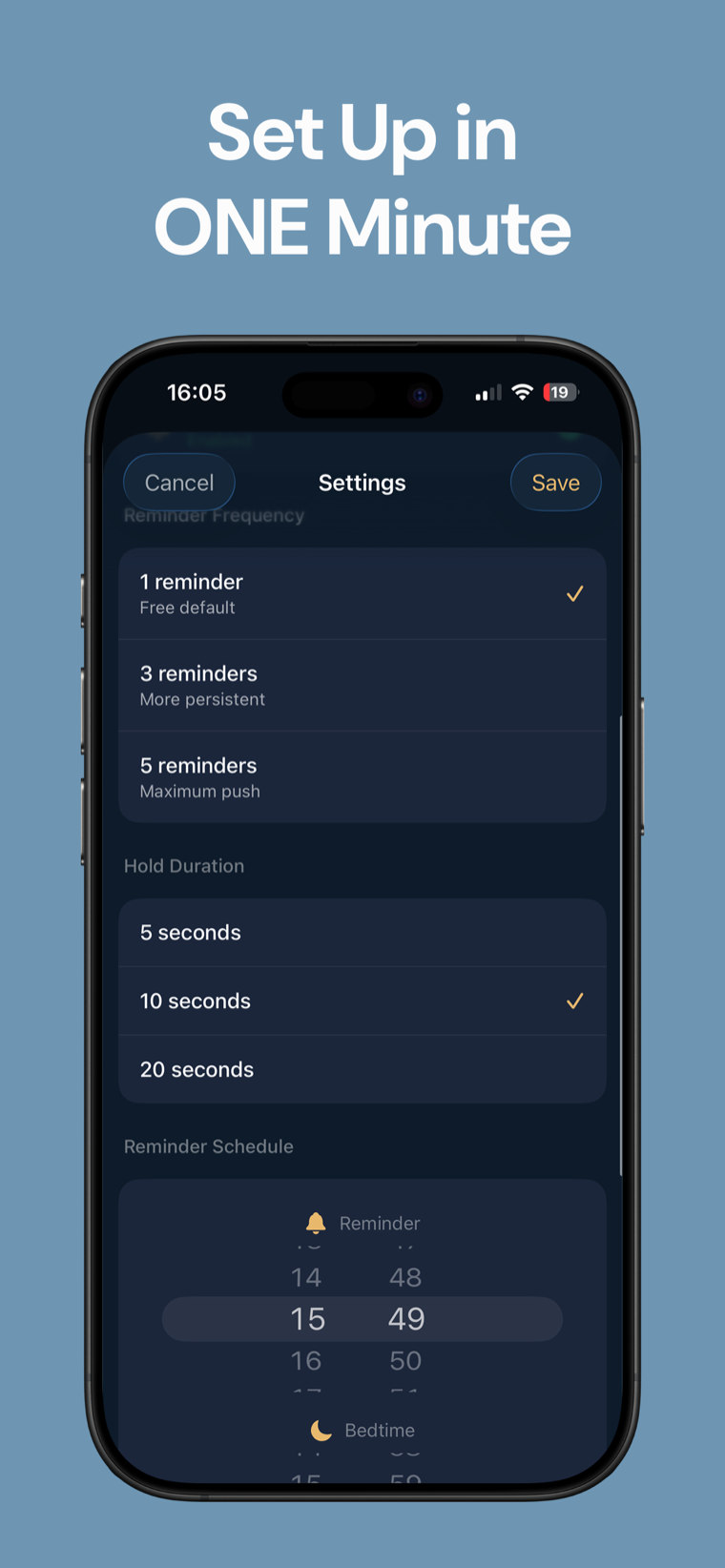
Pick a reminder time and a bedtime once. The app opens a short commitment window between them every night — no daily fiddling.
Green for nights you kept your promise, red for the ones you didn't, plus a running streak. Your history at a glance, stored on your device.
How it works
-
Set your schedule
Choose a reminder time and a bedtime. One minute of setup opens a short commitment window between them every night.
-
Hold to commit
When the reminder arrives, hold to promise you'll go to bed now. Follow-ups every 5 minutes keep nudging until bedtime.
-
Watch your streak
Each night turns green or red on the calendar, and your streak grows for every night you keep the promise.
FAQ
Frequently asked questions
Is Bedtime Reminder free?
Yes. The app is free to download and use, with no account required.
How does hold-to-commit work?
When a reminder arrives, you press and hold the button to confirm "I promise to go to bed now." That small, deliberate action marks the night as complete and helps break late-night scrolling before it turns into another lost hour.
What is the commitment window?
It's the short stretch between your reminder time and your bedtime. The app opens it every night, sending the first reminder at your reminder time and follow-up reminders every 5 minutes until bedtime.
How often does it remind me?
The first reminder lands at your reminder time, then it follows up every 5 minutes until you reach your bedtime — so the night doesn't quietly slip past you.
Does it track my sleep or streaks?
It tracks your nightly commitments, not your actual sleep. Every night shows as green or red on a calendar history, and the app keeps a running streak of the nights you kept your promise.
Is my data stored on the device?
Yes. Your sleep history is stored on your device. There's no account to create to use the app.
Does it work on iPad?
Yes. It's a universal app that runs on both iPhone and iPad, so you can keep your bedtime commitment on whichever device is by your bed.
Can I change my reminder time and bedtime?
Yes. You set both during the one-minute setup, and the commitment window adjusts to whatever reminder time and bedtime you choose.
What happens if I miss a night?
That night shows as red on your calendar history and your streak resets. There's no penalty beyond that — the calendar just gives you an honest picture so you can get back on track.
Will it really help me stop scrolling in bed?
That's the whole point. The reminders and the hold-to-commit moment are designed to interrupt late-night phone-in-bed scrolling and turn going to sleep into a small, deliberate choice.
Put the phone away tonight.
Download Bedtime Reminder, set your schedule once, and let a gentle nudge help you actually go to sleep.
Free Bedtime Reminder tools
- Best Nap Length CalculatorPlan the best nap length for your available window. Get a suggested nap start, alarm time and a warning if the window is too short.
- Calories Burned Sleeping CalculatorEstimate calories burned during sleep, calories per hour and the share of a full day's resting burn. Add age, sex and height for a BMR comparison.
- Melatonin Timing PlannerWondering how much melatonin should I take? Choose a target bedtime and reason to see the clock window used in studies and their published dose range, presented as reference rather than advice.
- Night Shift Sleep Schedule PlannerPlan a repeatable sleep, nap and wake schedule around night shifts. The planner keeps your requested total sleep duration while showing the timing it used.
- REM Sleep CalculatorEstimate where REM-heavy late-night sleep may fit in your schedule. Enter time asleep, sleep onset and wake-up time for a range, not a precise measurement.
- Sleep Cycle CalculatorUse this sleep calculator to plan bedtimes or wake-up times around 4, 5 or 6 sleep cycles. Add the minutes you usually need to fall asleep.
- Sleep Debt CalculatorCompare your usual sleep need with actual sleep from recent nights. See total sleep debt or surplus, a nightly breakdown and an optional gradual recovery target.
- Sleep Efficiency CalculatorEnter time in bed and estimated time asleep to calculate sleep efficiency as a percentage and see the awake-time gap.
- Sleep Needs CalculatorFind how many hours of sleep you need by age, see the recommended nightly range, and work back to a bedtime from your wake-up time.
- Sleep TimerSet a sleep timer for 15 to 90 minutes or choose a custom duration. The low-glare countdown stays in your browser and can end with a gentle chime.
- White Noise GeneratorGenerate continuous white, pink or brown noise in your browser. Play it while you sleep, adjust the volume and optionally set a timer with a gentle fade-out.
From the blog
All articles →- Night shift sleep schedule: split sleep vs anchor sleepA night shift sleep schedule that survives a real roster: split sleep vs anchor sleep, a 12-hour example with clock times, and the light rules.
- Eating before bed: the meal matters more than the clockEating before bed isn't one habit. A heavy meal inside 3 hours of lights out disrupts sleep; a small snack usually doesn't. Here's the line.
- How long does jet lag last, and how to shorten itHow long does jet lag last? About a day per time zone crossed, longer flying east — plus the symptom list and the light timing that shortens recovery.